

Live cricket score ticker for your stream
Ball-by-ball scores, player stats, charts and auction graphics on your YouTube stream, from the match you score in Krickit. Works with OBS, Prism Live and vMix.

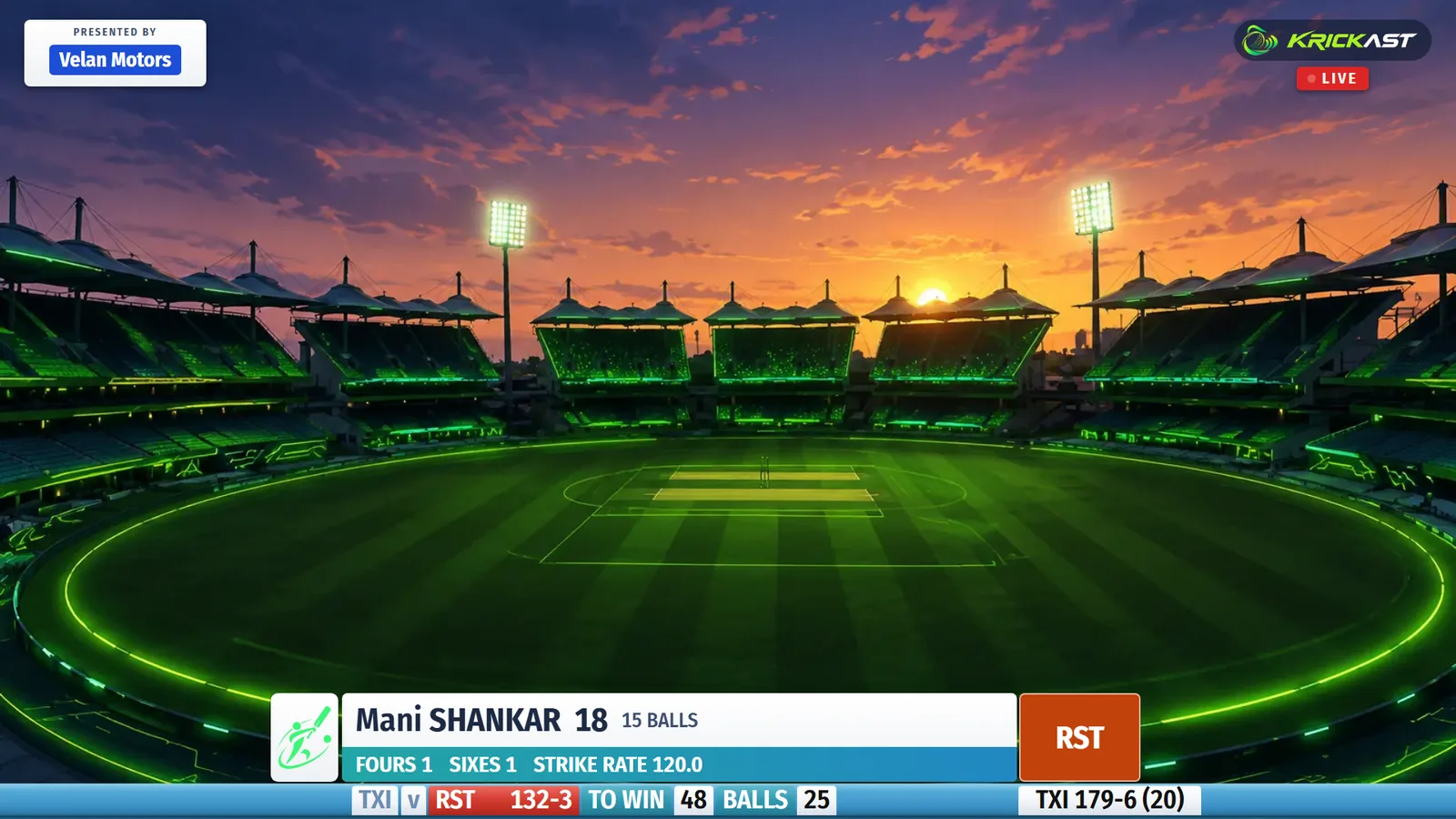
A TV-style score ticker, straight from the scorer
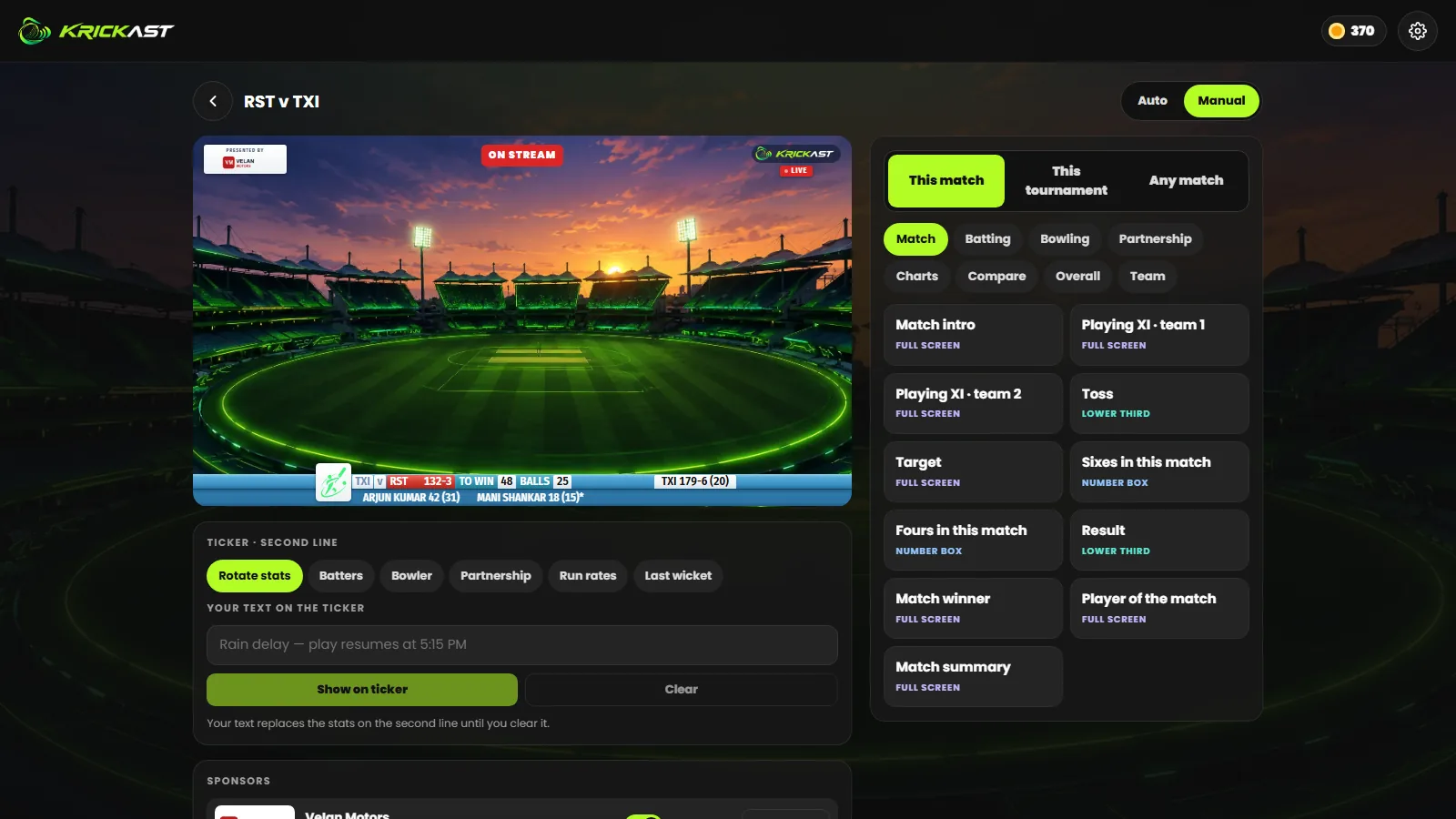
Score the match in Krickit and the ticker updates ball by ball: the score, overs, target and required rate, both batters and the bowler. It sits along the bottom of your stream the way it does on TV, with your sponsors in the corner.
- Live score, batters, bowler and run rates
- Fours, sixes and wickets go on air by themselves in Auto mode
- Your own message on the ticker, any time
Every stat a cricket broadcast has
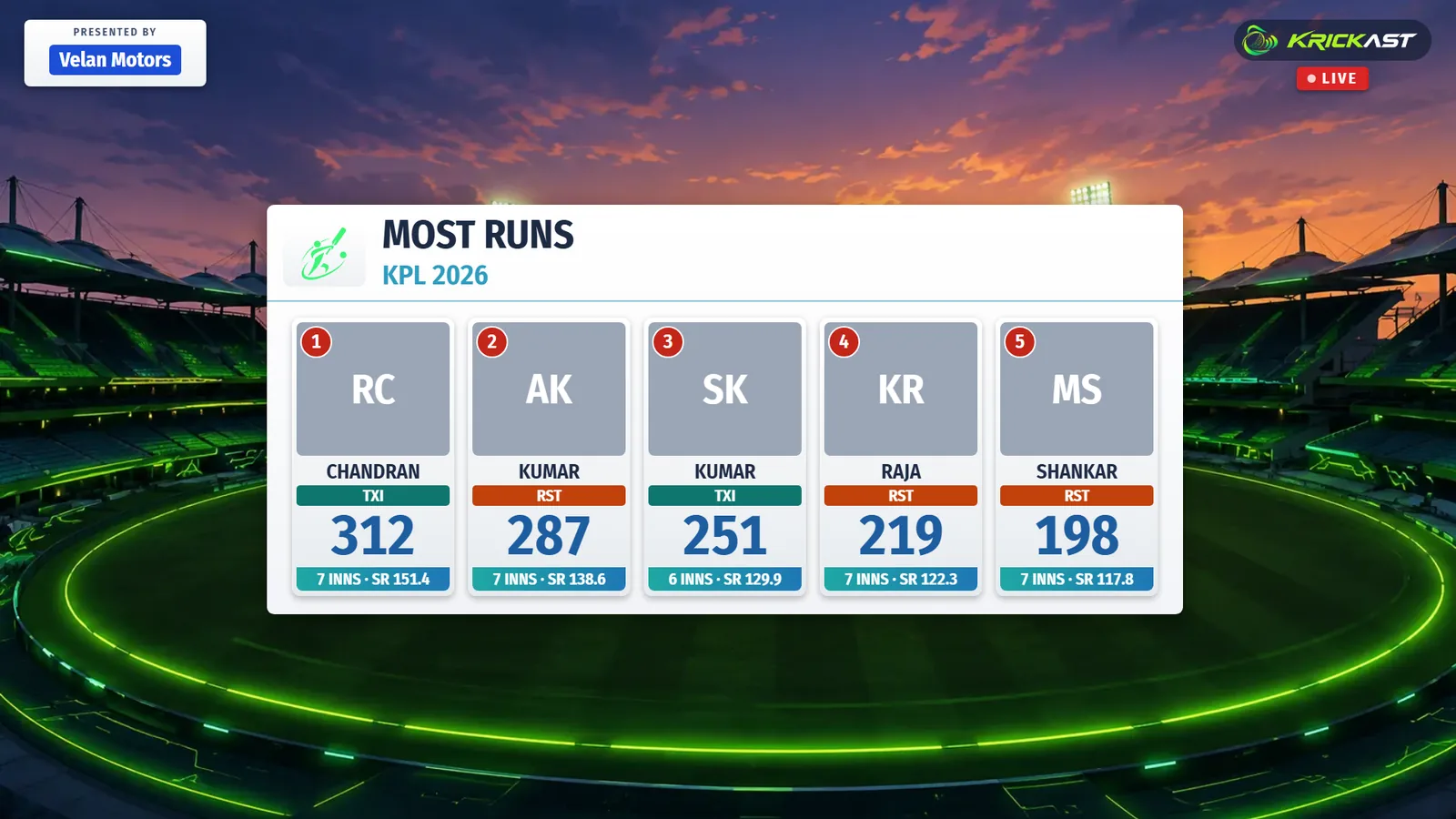
Full-screen scorecards, playing XIs, the target, the match summary and player of the match. Career, season and head-to-head numbers for any player in the match, and the tournament's leaders, points table, fixtures and awards.
- Batting and bowling scorecards, match intro, toss, result
- Career, this season, against the opponent, last five innings
- Most runs, wickets, sixes, best economy, points table, schedule
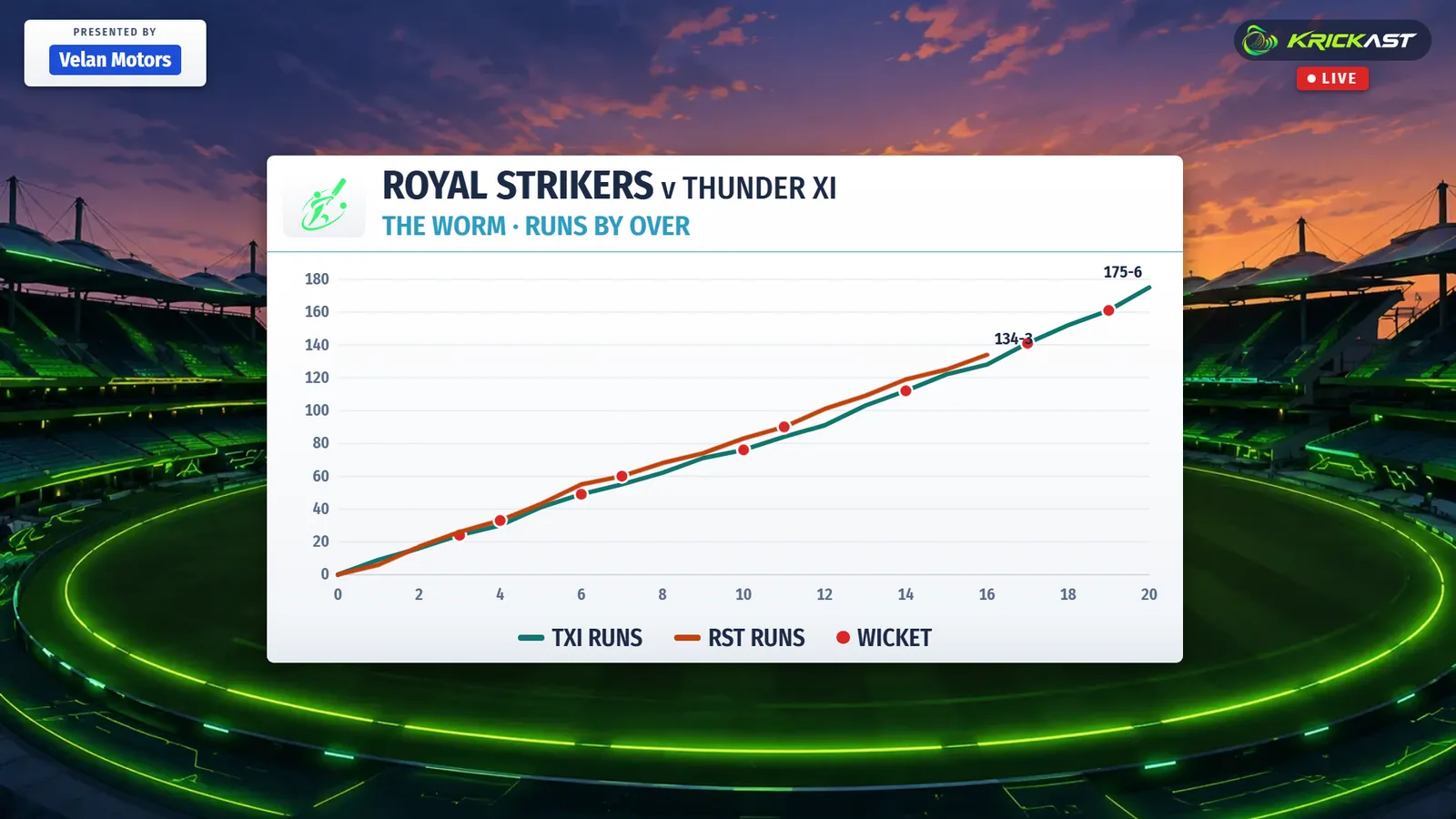
Charts and partnerships, on air
The charts from Krickit's Analysis tab, drawn for television: the worm, run rate, over by over, phases, win probability and wagon wheel, plus every partnership with each batter's share.
- Worm, run rate, over by over, phases, win probability
- Wagon wheel, batter v bowler, scoring mix
- Partnerships with both batters and their contributions
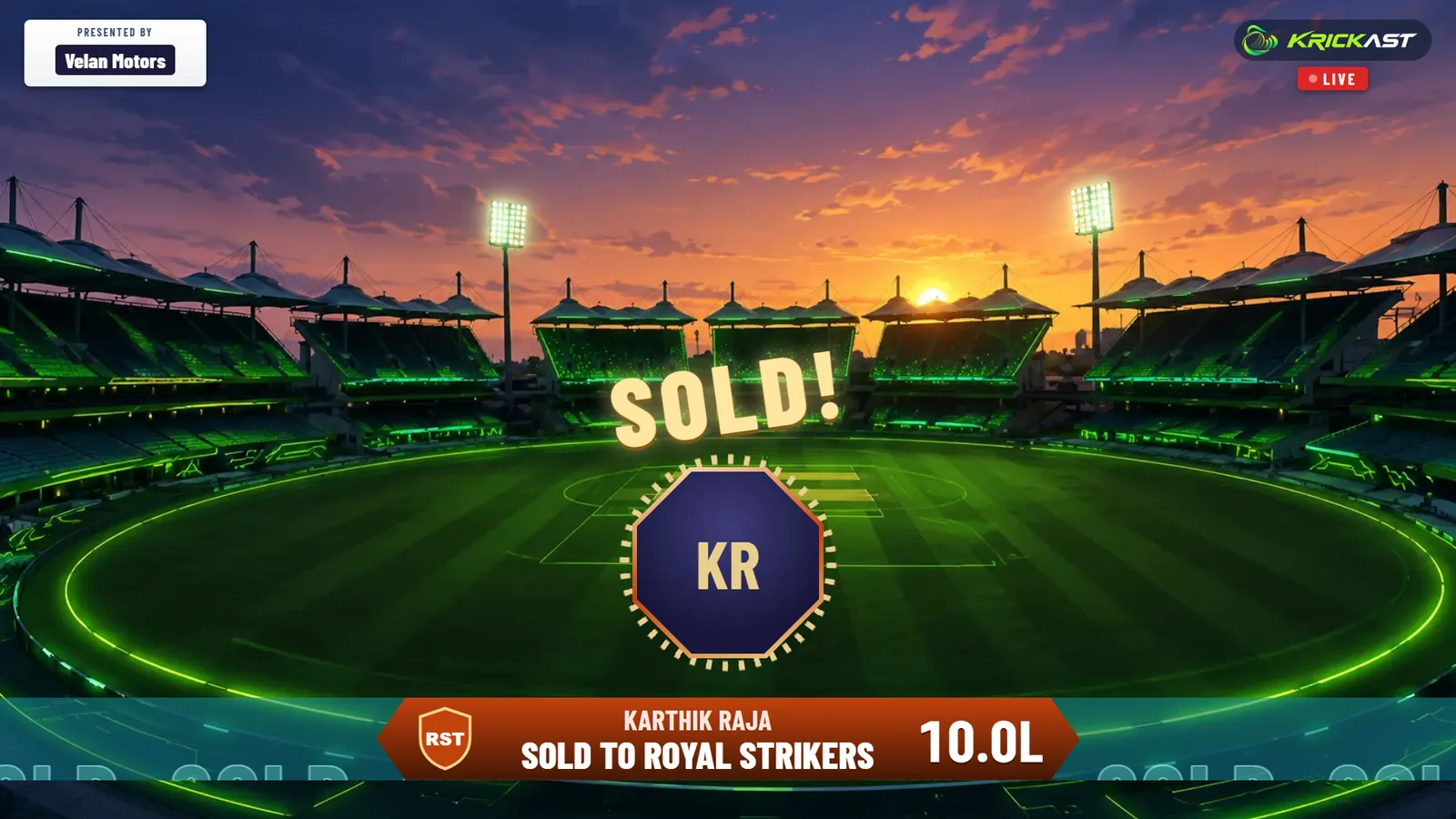
Live player auctions, broadcast like the big leagues
Stream your Krickit player auction with its own look: the player and base price, both teams in the race with their logos and colours, and a gavel-strike SOLD or UNSOLD moment. Purse tables, squads and how the bidding went are a tap away.
- Player on the block with base price and Krickit career
- Both bidding teams, the current bid counting up
- Sold and unsold moments, purse table, every squad with prices
Run it all from your browser
Krickast is a web console. Sign in with your Krickit account, choose the match, and every graphic is one tap away while the live preview shows exactly what viewers see. Auto puts the big moments on air for you; Manual leaves it all to you.
- Sign in with your Krickit account, nothing to install
- Live preview of the stream, Auto and Manual modes
- Sponsors from the tournament, the YouTube link from the match
How to add a live cricket score overlay
- Open KrickastGo to krickit.in/broadcast and sign in with your Krickit account.
- Pick the matchMatches you own, organise or were made broadcaster of are listed. Going live costs 50 coins once per match (250 coins for an auction).
- Add the overlayCopy your overlay link and add it as a browser source in OBS, Prism Live or vMix, sized 1920 × 1080, above your camera.
- Go liveStart your YouTube stream. Score in Krickit and put graphics on air from the console.
Score ticker: questions
Which streaming apps does the score ticker work with?
Any app with a browser source: OBS Studio, Prism Live Studio and vMix. Add your overlay link once; it never changes.
Do I need to install anything?
No. Krickast runs in the browser at krickit.in/broadcast, and the overlay is a web page your streaming app shows on top of the camera.
How much does it cost?
50 Krickit coins to put a match on air and 250 coins for a player auction, paid once. Top up coins in the Krickit app.
Who can broadcast a match?
The match's owners, its tournament's organisers and broadcasters, and anyone the match owner made its broadcaster in Krickit.
Where do the scores come from?
From the match being scored in the Krickit app, ball by ball. The ticker follows the scorer, so there is nothing to type twice.
Can I show sponsors?
Yes. Tournament organisers add sponsor logos on the tournament's Overview in Krickit; they take turns in the corner of the stream and can go full screen.
Can people watch the stream in Krickit?
Yes. Add the YouTube live link on the match or auction in Krickit and viewers there get a Watch live button.