How to score a cricket match live on your phone
No more scorebooks and pencil: with a cricket scoring app on your phone, every ball you score shows up for everyone following the match, and the scorecard, stats and analysis build themselves. Here is how to score your next match in Krickit, from the toss to the result.
 Get it onGoogle Play
 Coming soonApp Store
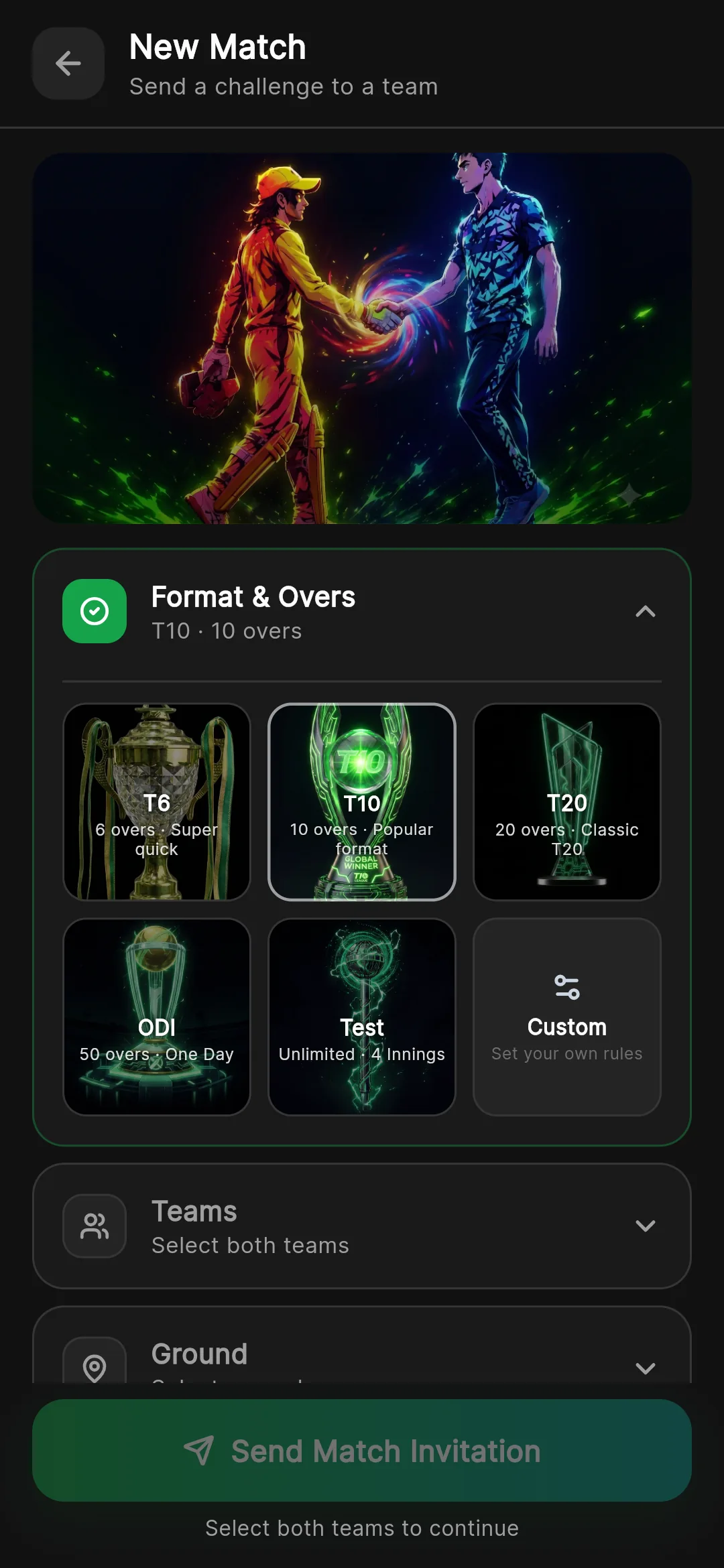
Step 1: create the match
Choose the format, T6, T10, T20, ODI or Test, or set your own overs and players per side for box cricket and tennis-ball matches.
- Any number of overs and players per side
- Last man stands and super overs
- Powerplays, DLS, follow-on and declarations
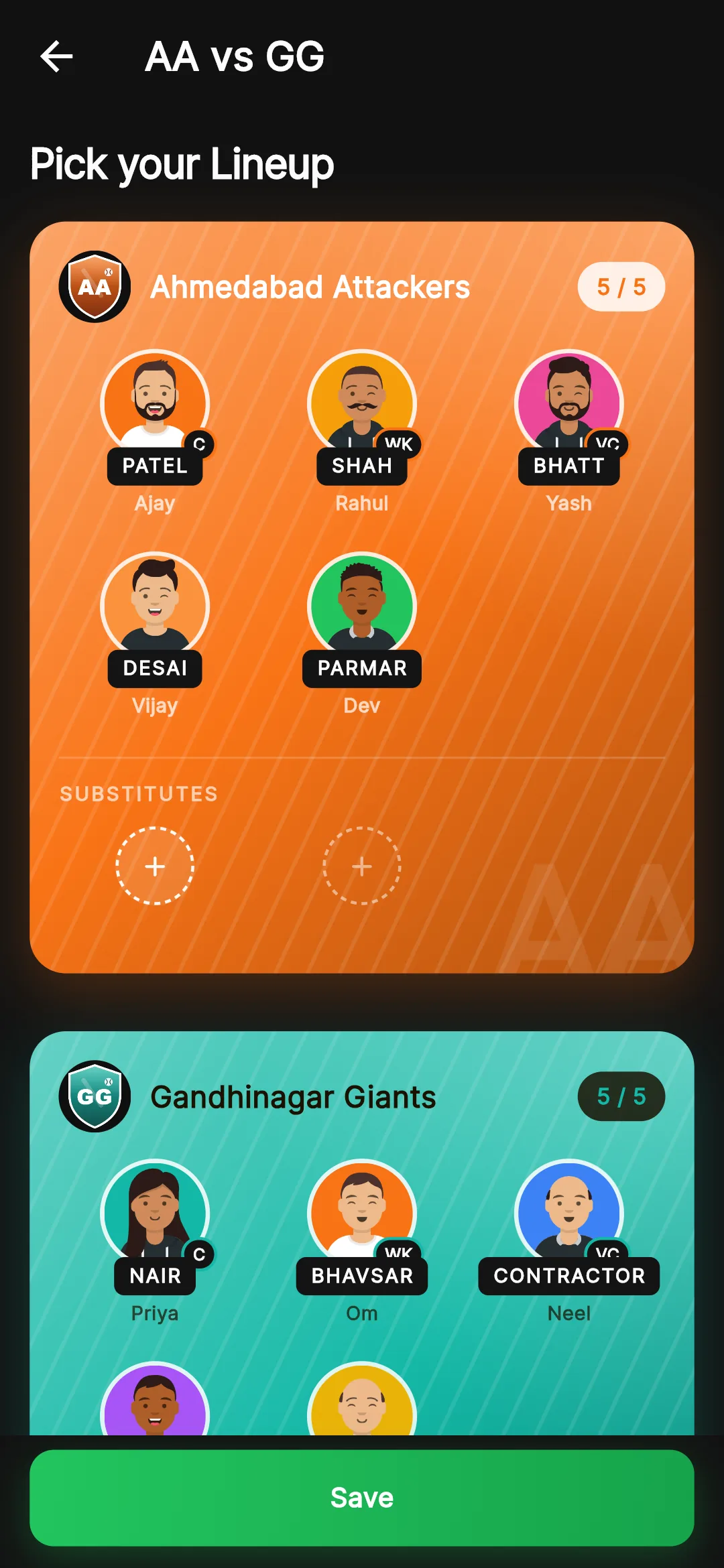
Step 2: pick the squads and record the toss
Pick both playing XIs with the captain, vice-captain and wicketkeeper, then record who won the toss and what they chose.
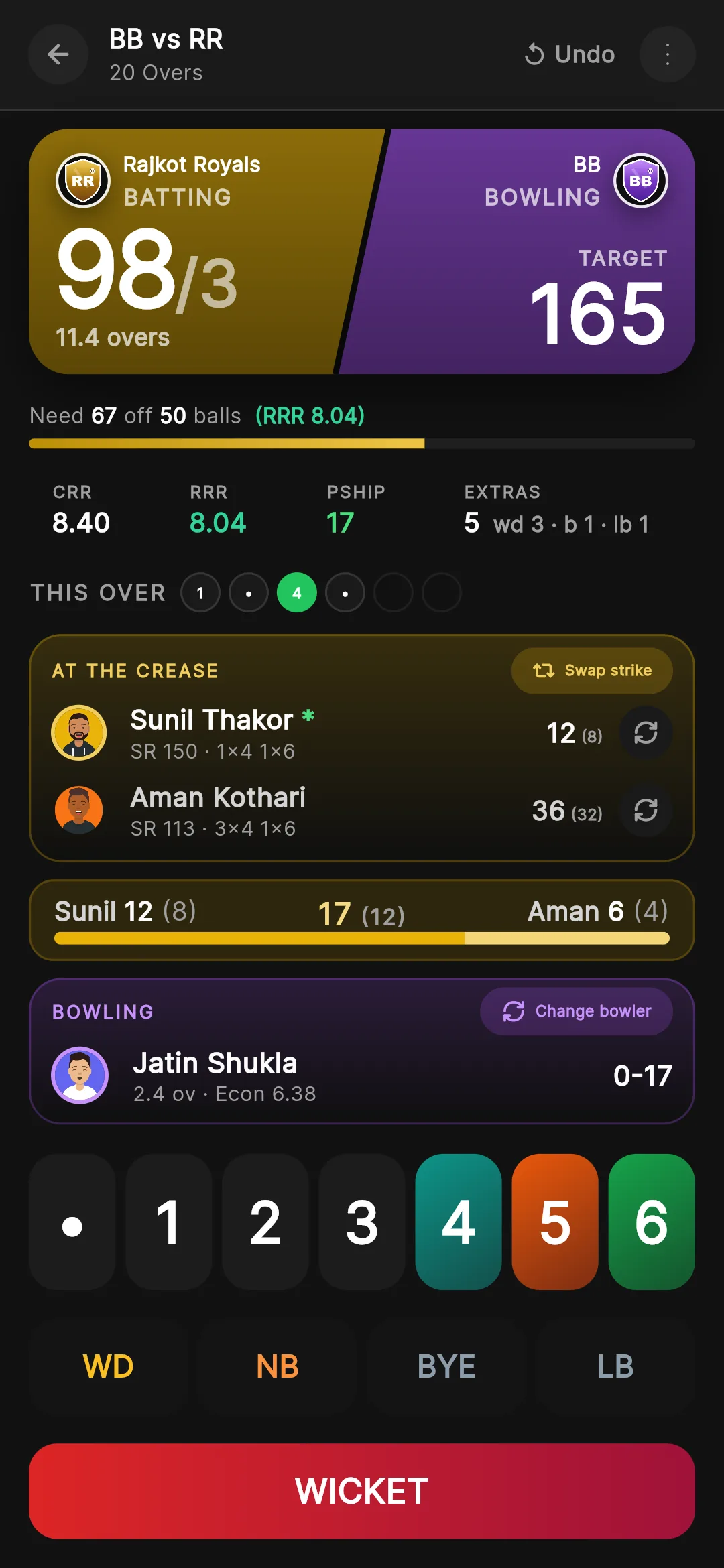
Step 3: score ball by ball
Each ball is a tap: runs, wides, no-balls, byes, leg-byes or a wicket, with undo for mistakes. Strike rotates on its own, and the run rate, required rate and partnership update as you score.
- One tap per ball, with undo
- Every wicket type, with the fielder credited
- Everyone following sees the live score at once
Step 4: the scorecard and the analysis
The full batting and bowling scorecard is ready as you go, and after the match the analysis is too: the run-rate worm, over by over, phases and the wagon wheel.
More on live scoring →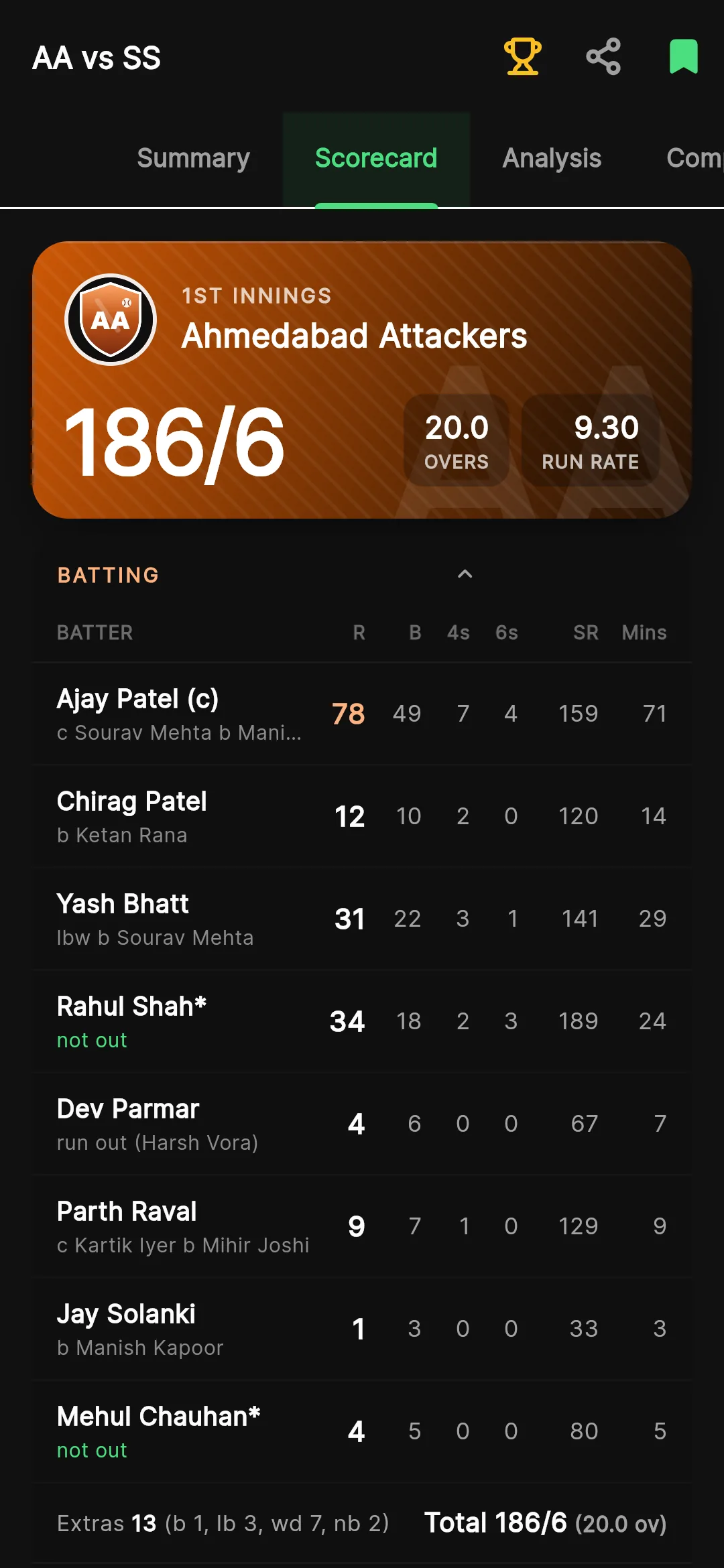
Every ball counts towards the stats
Each player’s batting, bowling and fielding career updates the moment the match ends, so nobody keeps stats by hand again.
Guide: cricket stats →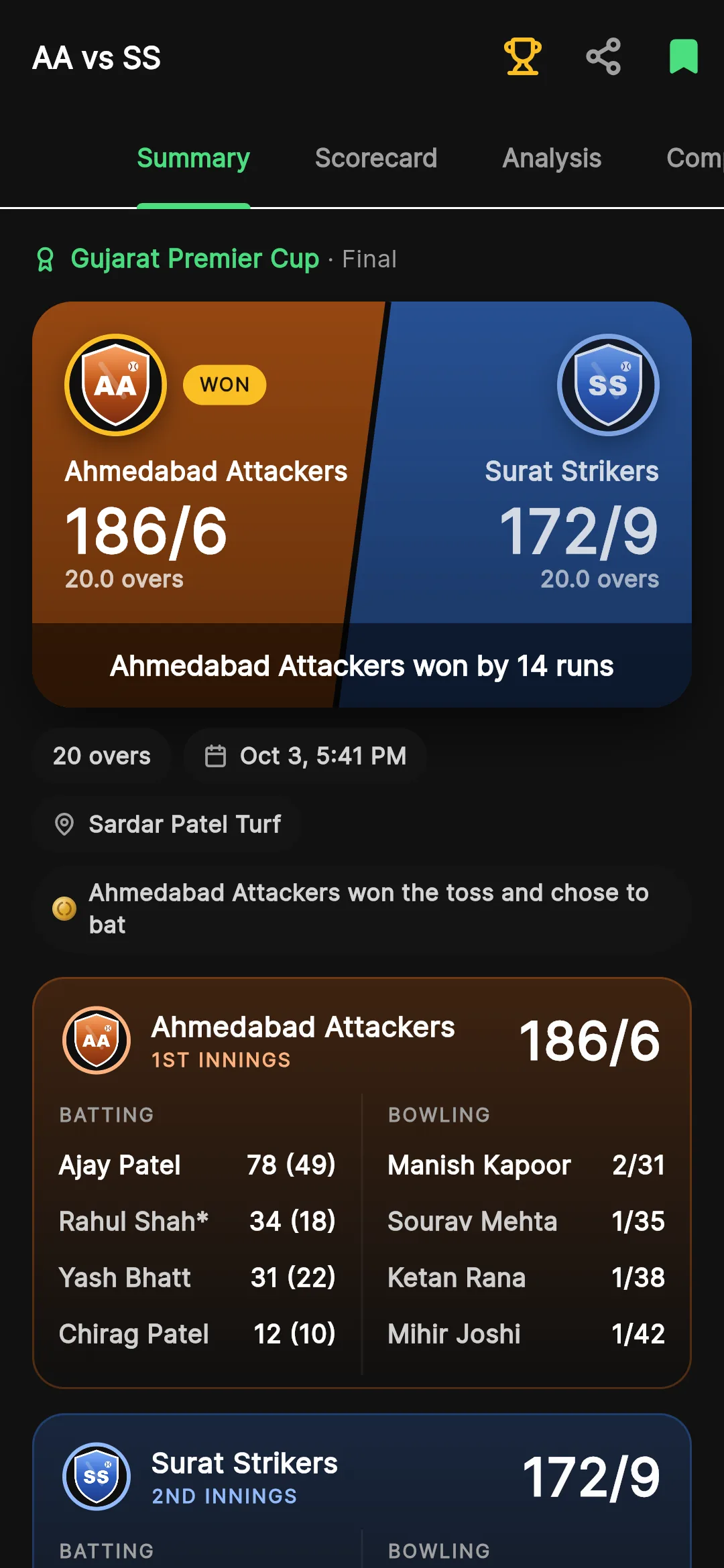
Questions
What is the best cricket scoring app for a phone?
Krickit scores cricket ball by ball on Android with one tap per ball, every format and rule, and builds the scorecard, stats and analysis for you. It is free on Google Play.
Can I fix a mistake while scoring?
Yes. Undo takes back the last ball, so a slip of the thumb is fixed in a tap.
Which formats can I score?
T6, T10, T20, ODI and Test, or any custom number of overs and players, with last man stands, super overs and DLS.
Can others follow the match live?
Yes. Everyone following the match in Krickit sees each ball as it is scored.
Get Krickit
Krickit is free to download on Google Play for Android, and the iPhone app is on its way. Score your next match with it, and tell us what you think: a rating on Google Play helps other cricketers find us, and every message to support@krickit.in is read.
Get it onGoogle PlayComing soonApp Store